Reports
Reports allow you to generate professional documents based on your observations.
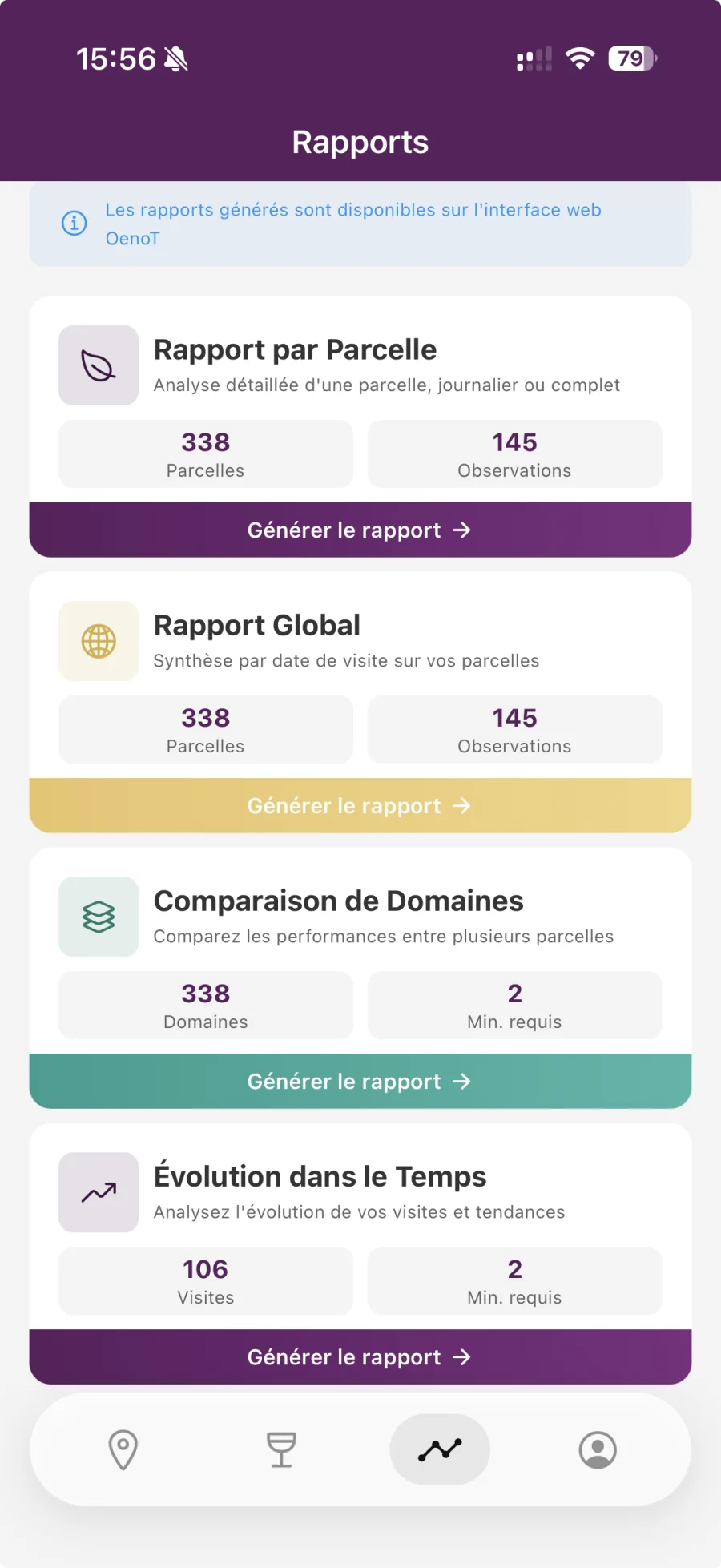
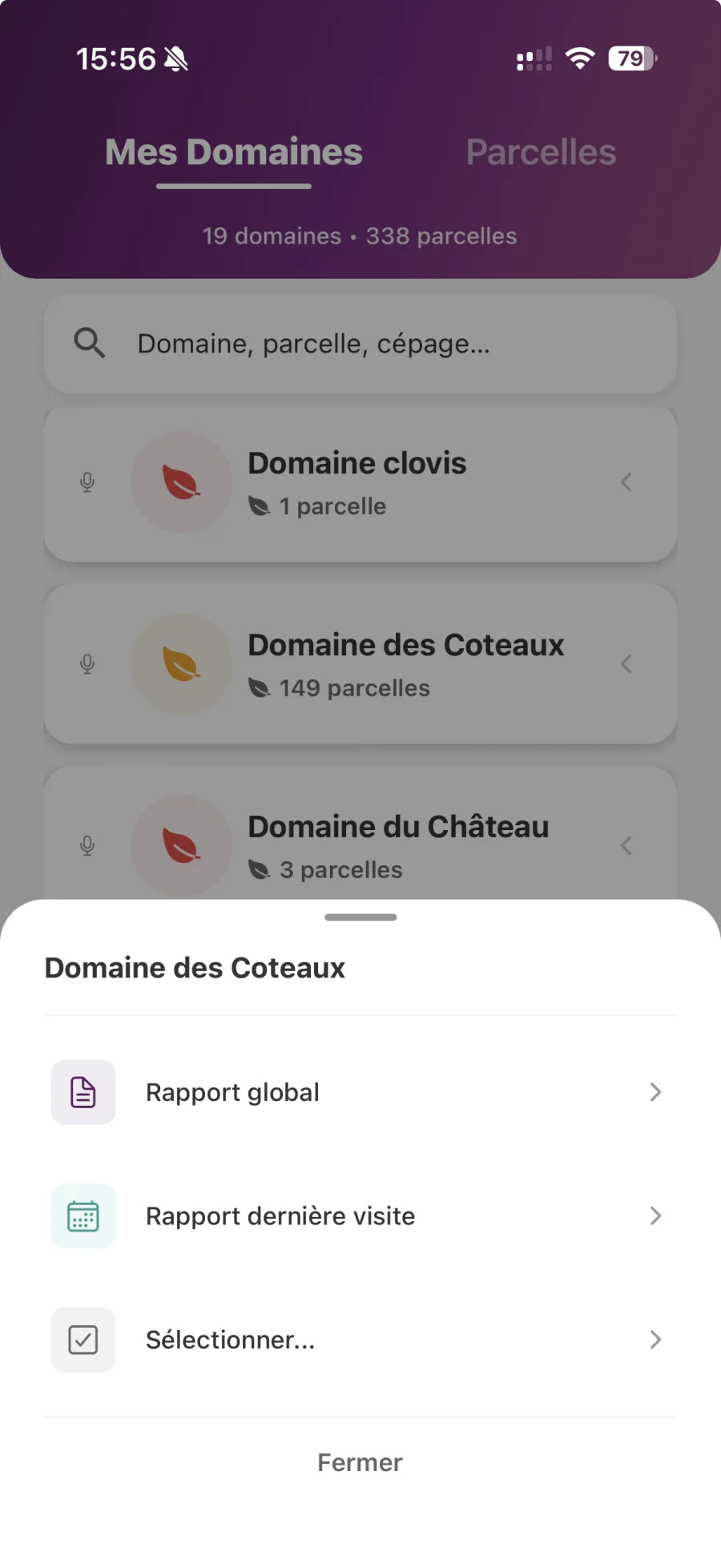
Types of Reports
- Report by plot: Contains all observations from a specific plot
- Report by domain: Contains all the observations of all the plots of a domain
- Global report: Contains observations from several plots and/or areas
- Daily report: Contains all observations of a specific day
Report Generation
- Go to the “Reports” tab
- Select the desired report type
- Select the domain and/or plot
- Choose the period (start and end date)
- Choose the format:
- Grouped: All observations are grouped by theme
- Separate: Each observation is presented individually
- Tap “Generate Report”
- The report is generated in PDF
- You can share it, send it by email, or save it
Tip For large reports (>30 observations), the report is automatically split into several files for easier reading.