Plot Management
Parcel management allows you to organize your estates and parcels in a structured way. The terminology follows standard wine vocabulary.
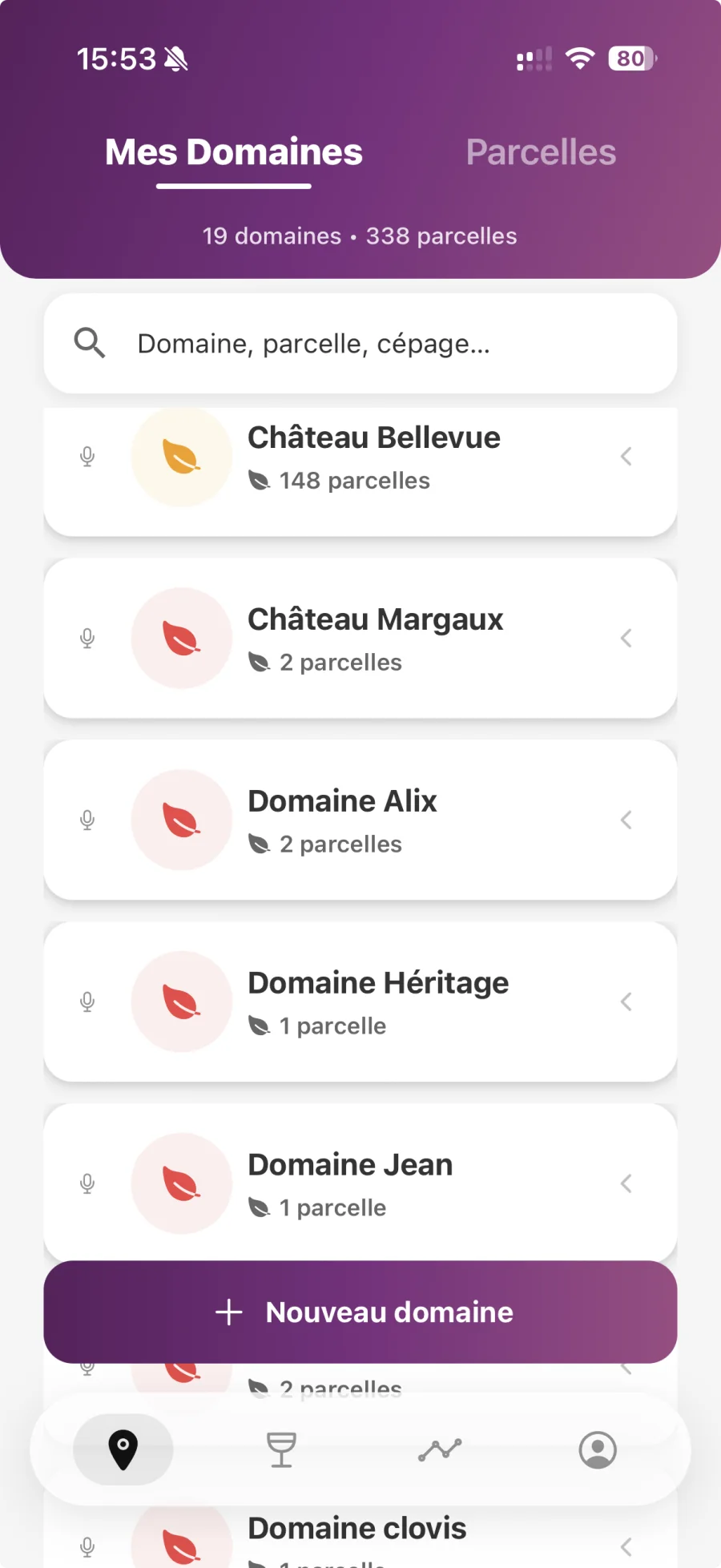
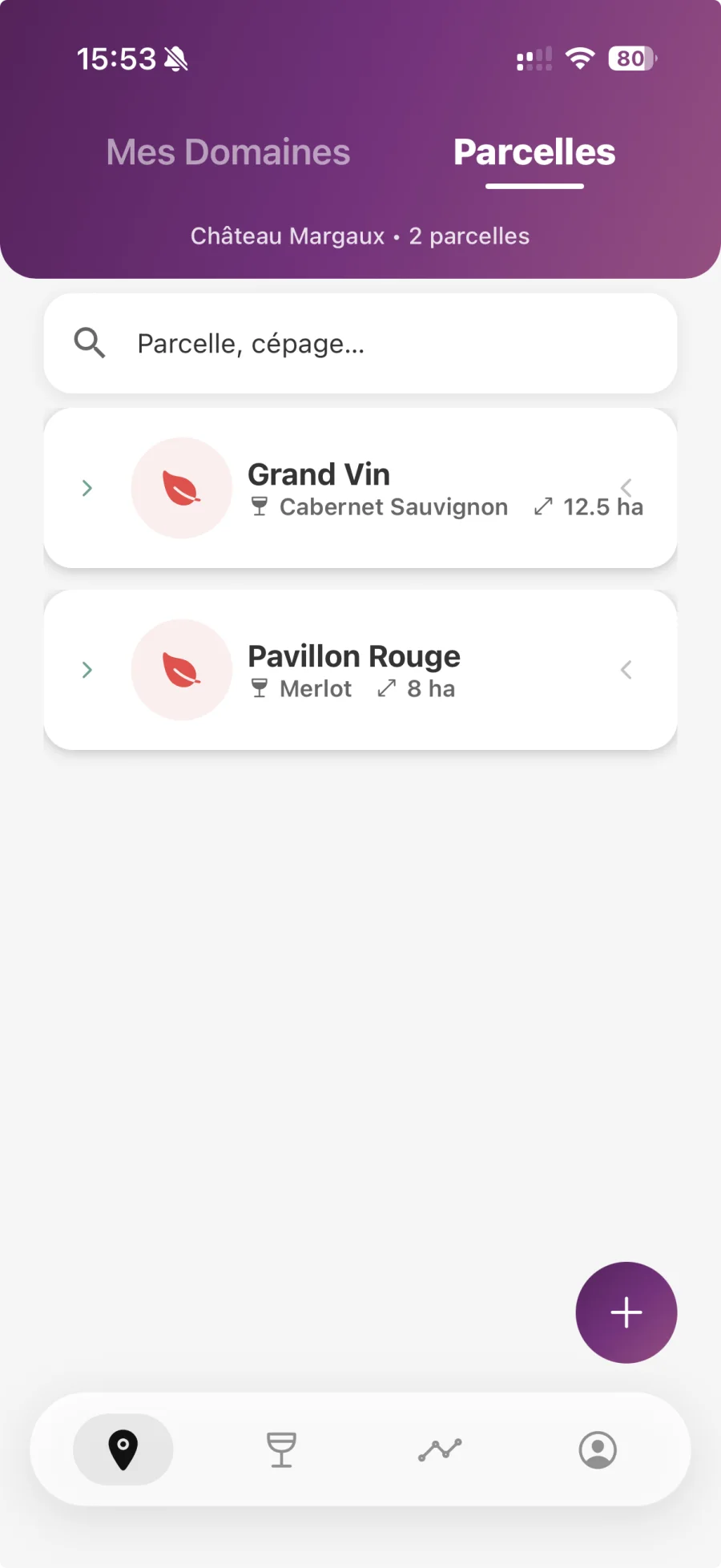
Estates and Plots
Creating a domain
- Access the “My Domains” tab
- Tap the “+” button on the top right
- Select “Create Domain”
- Enter the domain name
- Optional: Add a description
- Tap “Create”
Adding parcels to an estate
- Select a domain from the list
- Tap “Add Parcel”
- Enter the parcel name
- Select the grape variety (or enter it manually)
- Optional: Enter the surface area (in hectares)
- Optional: Geolocate the plot
- Optional: Add a cover photo
- Press “Save”
Advanced search
The search bar in “My Domains” allows you to filter by:
- Plot Name: Quickly find a specific plot
- Grape variety: Filter all plots of the same grape variety
- Domain name: Search among your domains
Global view of plots
The "Plots" tab now displays all your plots, all areas combined, in a single list. The domain appears in the subtitle of each plot so you can find it at a glance.
- Perimeter selector: switch between the global view (all plots) and a specific area
- Tabbed navigation: a tabbed header separates the “Areas” view from the “Plots” view